Most people searching for information on WordPress are not really asking about the platform. They are asking something more honest: “Is this too complicated for me? Will I regret starting? Is this actually worth it?” Those are fair questions and they deserve straight answers.
WordPress runs a massive chunk of the internet, more websites than any other platform. But that statistic alone does not help you decide anything. What helps is understanding why real businesses — local shops, agencies, coaches, clinics, freelancers — land on WordPress website design and stick with it. This article covers all of that: what it actually involves, why businesses prefer it, what the tradeoffs look like, and how to know if it is right for you.
What WordPress Website Design Actually Means
WordPress website design is the process of building and styling a website using WordPress, a free content management system (CMS). A CMS is software that lets you create, edit, and manage a website without writing code from scratch.
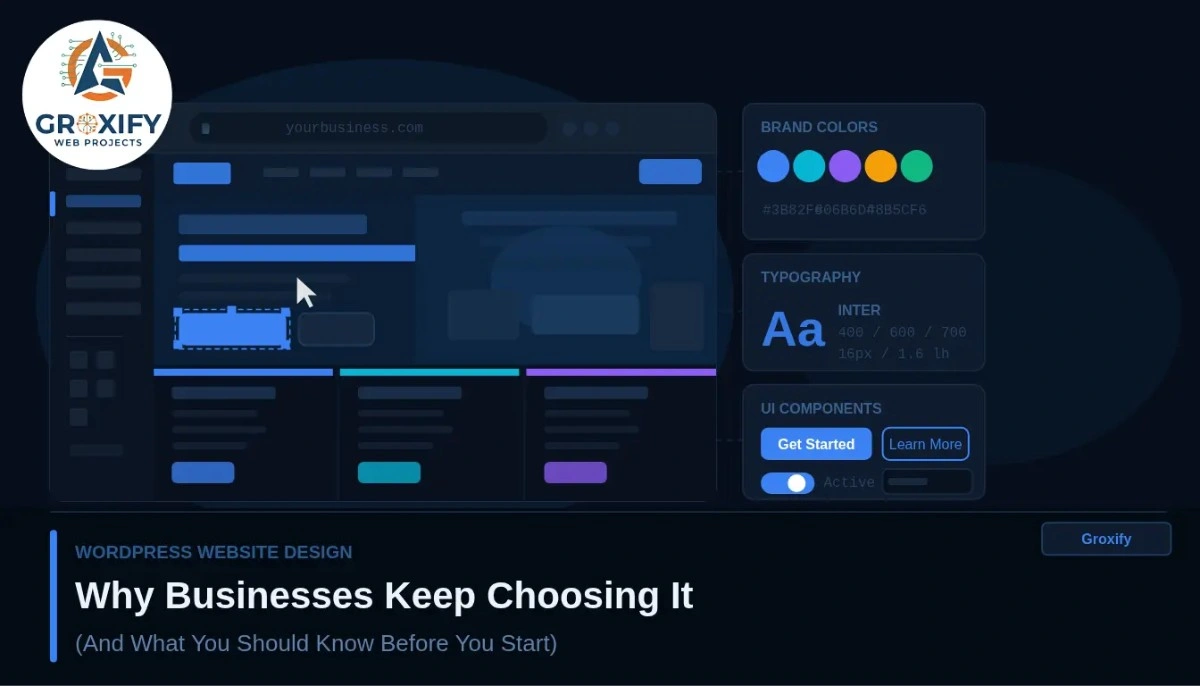
Think of WordPress as the engine. The design — colors, layout, fonts, page structure — sits on top of that engine. When someone talks about “WordPress website design,” they usually mean one of three things: using a pre-made visual template to launch fast, customizing that template to fit a specific brand, or building something fully custom using a page builder or a developer.
All three are valid approaches. The right one depends on your budget, your timeline, and how much control you want over the final result.
Why Businesses Prefer WordPress Website Design Over Other Options
Here is the honest reason most businesses land here: WordPress gives you ownership. That single fact explains the majority of its popularity.
Platforms like Wix or Squarespace host your site inside their system. If they raise prices, remove features, or change their terms, you have limited options. With WordPress, your files, content, and database live on your own hosting account. You can move it, duplicate it, hand it off to any developer, and no external company controls it.
You Own the Site Outright
This matters more than it sounds. A business that has been running for years should not have to rebuild from scratch because a platform changed its pricing model. WordPress does not create that problem. Your site is yours, full stop.
The SEO Advantage Is Real
SEO stands for search engine optimization, which means how easily Google finds and ranks your site in search results. WordPress was built with clean code structure from the start, which search engines respond well to. Tools like Yoast SEO (a free plugin — a plugin is an add-on that gives your site extra functionality without coding) make it straightforward to optimize every page, title, and description.
In practice, WordPress sites appear across Google’s top results in almost every industry. That is not coincidence.
It Grows Without Forcing You to Start Over
Starting with a simple 5-page business site? WordPress handles it. Want to add a blog, an online store, a booking system, or a members-only area later? You can add all of that to the same site over time. No migration. No rebuilding. You just add what you need when you need it.
That kind of flexibility is genuinely rare across platforms.
WordPress Themes: What They Are and What They Actually Do
A WordPress themes is a pre-designed visual template that controls how your site looks. When you switch a theme, the entire visual style changes — fonts, colors, layout, header, footer — while your content (your text and images) stays intact.
There are thousands of themes available. Some are free. Some are premium, meaning paid. Free themes from the official WordPress directory work fine for basic sites. Premium themes typically cost between $30 and $100 as a one-time purchase, and they usually come with more layout options, more customization controls, and direct developer support.
Here is a quick side-by-side:
| Free Themes | Premium Themes | |
|---|---|---|
| Cost | Free | One-time, usually $30–$100 |
| Design options | Basic | Wider range of layouts |
| Support | Community forums | Direct from developer |
| Updates | Less frequent | More regular |
| Best for | Simple sites, testing ideas | Business sites, serious projects |
One thing people often miss: the theme is not the ceiling of your design. A page builder — software like Elementor or the built-in WordPress block editor — lets you customize layouts far beyond what any theme alone provides. So even a mid-range free theme can produce a professional, distinct site with the right setup.
How to Make a WordPress Website Without Touching Code
This is where most beginners get stuck in their head. The process sounds technical. It really is not.
Here is how it works:
- Get a domain name — this is your web address, like yourbusiness.com. You buy it from a domain registrar.
- Get hosting — this is the server where your site files live. Most hosting providers (like Hostinger, SiteGround, or Bluehost) include a one-click WordPress installer.
- Install WordPress — literally one click on most hosting dashboards. No coding involved.
- Pick a theme — browse free options from inside your WordPress dashboard, or buy a premium one from a marketplace.
- Install a page builder — Elementor is popular with beginners. The built-in block editor also works well.
- Build your pages — drag, drop, type, upload images. No code required.
- Add plugins for extra features — contact forms, SEO tools, speed improvements, security.
A basic live site can be set up in a single focused day. A full business site with multiple pages, custom design, and added features takes longer — but the skills required are learnable by anyone willing to spend a few hours.
The Honest Tradeoffs Nobody Tells You
WordPress is not a perfect platform. Most articles skip this part. This one will not.
Maintenance is on you. WordPress core, your themes, and your plugins all need regular updates. Skipping those updates for months creates security vulnerabilities. This is manageable, but it is a real ongoing responsibility. You either learn to handle it yourself or budget for someone who will.
More flexibility means more decisions upfront. Coming from Wix where everything is contained? WordPress will feel like it has too many options at first. That freedom is the point of the platform, but it takes a short adjustment period.
Speed is not automatic. A badly set up WordPress site can be slow. A properly set up one is fast. The difference comes down to using a quality hosting plan, a caching plugin (caching stores static versions of your pages so they load faster without querying the database each time), and optimized images. None of this is complex, but it does require some attention.
Knowing these things before you start saves a lot of frustration.
What Businesses Actually Use WordPress For
The range is wider than most people expect. WordPress handles:
- Business brochure sites (the classic “who we are, what we do” setup)
- Blogs and content platforms built for consistent publishing
- Online stores using WooCommerce (a free plugin that adds full e-commerce functionality to any WordPress site)
- Portfolio sites for designers, photographers, and agencies
- Membership sites and online course platforms
Local service businesses — clinics, salons, tutors, contractors — use it. Large media companies use it. The platform does not limit the category. The design and plugins you choose shape what the site becomes.
Is WordPress Website Design Right for You?
Here is a simple way to think through it.
If you want full ownership, long-term flexibility, strong SEO control, and a platform that expands as your business grows — WordPress is a very solid choice. It is the default recommendation across the web industry for a reason.
If you want something extremely simple, never plan to add features, and genuinely have no interest in managing even basic site upkeep — a simpler hosted platform might save you some headaches early on.
But for most business owners, freelancers, and anyone building something they plan to actually grow? The tradeoffs lean heavily in WordPress’s favor. At Groxify Web Projects, the sites that hold up best over time in traffic, design, and function are built on this platform, not because it is the only way, but because for most business goals, it is the most capable foundation available.
What to Actually Take Away from This
WordPress powers a massive share of the web, and that is not by accident. It earned that position because it gives businesses real ownership, strong SEO foundations, and a platform flexible enough to grow with them for years.
Pick a good theme. Learn your page builder. Keep your plugins updated. Start simple and add as your needs grow. The learning curve is real but short. Once you are comfortable, managing and building on your site becomes something you actually feel in control of — not something that requires a developer call every time you want to change a heading.
That is the full picture of wordpress website design. Now you can make a real decision.
FAQ
WordPress website design is the process of building and styling a website using WordPress, a free content management system. It covers choosing a theme, customizing layouts and pages, and adding functionality through plugins. The end result can range from a basic business site to a full e-commerce store.
The WordPress software itself is free. You pay for web hosting (the server where your site lives) and optionally for a premium theme or plugins. Basic hosting starts at a low monthly cost. A fully functional business site can be built without spending on themes or paid plugins at all.
No. Most WordPress sites are built using drag-and-drop page builders like Elementor or the built-in block editor. You can design professional pages, add features through plugins, and manage your entire site without writing a single line of code.
WordPress.org is the free, self-hosted version where you have full control over your site. WordPress.com is a hosted service with restrictions on lower plans. For any serious business site, WordPress.org with your own hosting is the standard and recommended choice.
WordPress gives you full ownership, better SEO control, and far more flexibility over time. Wix is easier to start with but limits what you can do as your business grows. For a site you plan to grow and own long-term, WordPress is the stronger choice for most business goals.
A basic 5-page site can go live in one to two days. A complete business site with custom design, multiple pages, and added features typically takes one to three weeks depending on complexity and whether you are doing it yourself or working with a professional.
A theme controls the visual layout of your site — fonts, colors, page structure. Free themes from the official WordPress directory work for simple sites. Premium themes, usually $30 to $100 as a one-time purchase, offer more design options and better support. For a business site, premium is usually worth it.
Yes. WooCommerce, a free plugin, turns any WordPress site into a complete online store. You can sell physical products, digital files, or services. It is one of the most widely used e-commerce platforms globally and installs directly into your existing WordPress site.
Install a free SEO plugin like Yoast SEO or Rank Math. These guide you through writing proper page titles, meta descriptions, and content structure. Pair that with quality content, a fast-loading site, and reliable hosting. SEO is an ongoing process, not a one-time setup.
Get a domain name and hosting first. Most hosting providers let you install WordPress with one click after signup. Once installed, choose a theme and set up your core pages — home, about, services, contact. Start lean and build from there. You do not need everything perfect on day one.

Rohit Singh is the Founder of GROXIFY WEB PROJECTS LLP with many years of hands-on experience in digital marketing, including SEO, PPC, social media, email marketing, content writing, and WordPress development. He has worked with global clients across industries and helped businesses achieve 5x–10x revenue growth through data-driven strategies and practical execution. Rohit actively manages digital teams, builds business strategies, plans marketing systems, and oversees execution to drive consistent traffic, leads, and long-term business growth.