
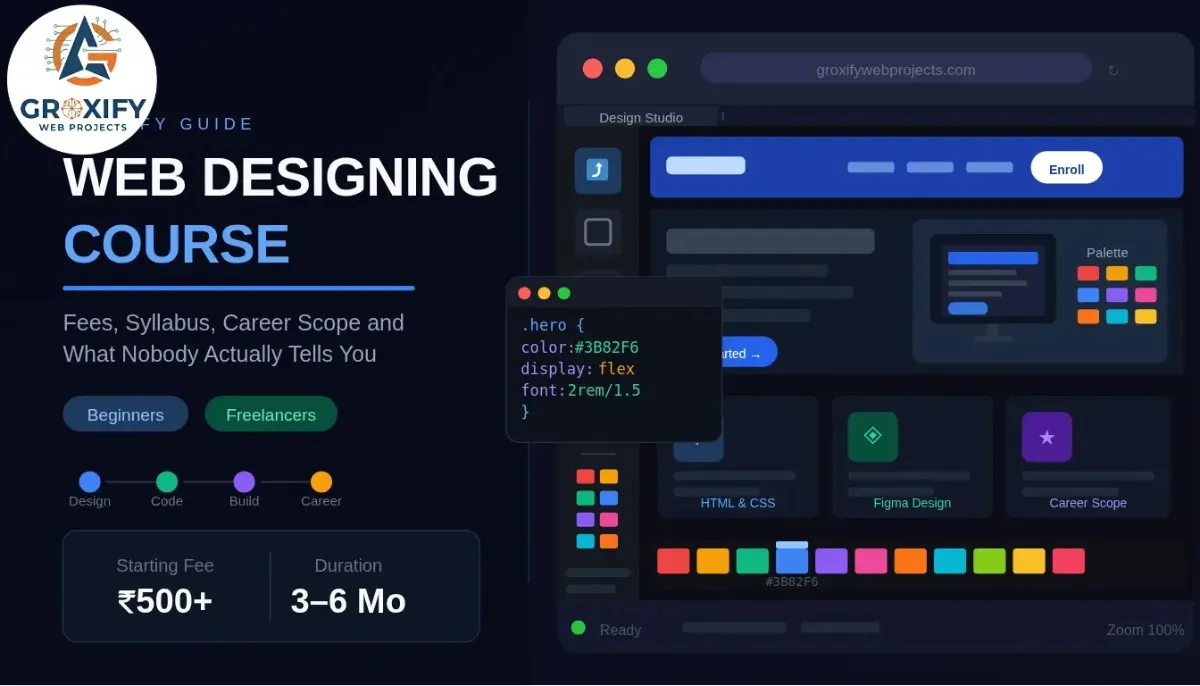
Web Designing Course: Fees, Syllabus, Career Scope and What Nobody Actually Tells You
Most people who land on an article about a web designing course are not really sure what they want yet. They just know they want a skill that pays, works from a laptop, and does not require a four-year degree to get started. That is a completely fair place to begin. This article covers the full picture — what you actually learn, how much it costs (including the free route, honestly), how long it takes, and what the career looks like after. By the end, you will know exactly what to pick and where to start. What Web Designing Actually Is (Most People Get This Wrong) Web designing is the process of deciding how a website looks, feels, and guides the people using it. That includes the layout, colors, fonts, spacing, button placement, and how all of it fits together on a screen. It is not the same as web development. Web development is the code that makes a site work behind the scenes — databases, server logic, user accounts. Web design is what you see and feel. Both matter. They are not the same job. A lot of beginners also confuse web design with graphic design. Graphic design is mostly for print — posters, logos, brochures. Web design is built for screens, and a screen behaves very differently from a poster. A website responds to clicks, resizes for different devices, and has to load fast. These constraints change how you design entirely. In practice, web designers work in tools like Figma (a software used to design and prototype websites before any code is written) and write HTML and CSS (the two basic languages that build what a person actually sees on a webpage). Some also know a bit of JavaScript, which adds interactive behavior like dropdowns and animations. You do not need to become a full developer to be a good web designer. But you do need to understand how a design becomes a real page. Web Designing Course Syllabus: What You Actually Learn A good web designing course does not start with code. That surprises people. It starts with fundamentals, because if you cannot explain why something looks right, you cannot design anything that holds together. Here is how a solid syllabus actually breaks down. Design Fundamentals This covers color theory (how colors relate, contrast, and create emotional response), typography (how to choose and pair fonts that are both readable and intentional), and layout principles (how to guide a viewer’s eye across a page without them noticing you’re doing it). Most courses also introduce UI and UX basics here. UI stands for User Interface — it is how the website looks and responds to interaction. UX stands for User Experience — it is how easy or frustrating the website is to actually use. These two overlap a lot in web design. Design Tools Figma is the industry standard right now. You will learn to create wireframes (rough, black-and-white sketches of a page’s structure), mockups (fully detailed visual designs), and prototypes (clickable demo versions of a design that feel like the real thing without any live code). Some courses also cover Adobe XD, but Figma has largely replaced it in most professional workflows. HTML and CSS HTML stands for HyperText Markup Language — it is the skeleton of every webpage, defining what is a heading, what is a paragraph, what is a button. CSS stands for Cascading Style Sheets — it controls how that skeleton looks, meaning all the colors, fonts, spacing, and positioning. Together, these two let you take a design from Figma and turn it into a real, working webpage. This is not optional in a serious web designing course. Even if you plan to use WordPress or a drag-and-drop builder later, knowing HTML and CSS means you can customize things, fix things, and not panic when something looks wrong. Responsive Design Responsive design means a website automatically adjusts to look right on any screen — phone, tablet, desktop. Since most web traffic comes from mobile devices, this is not a bonus topic. It is a core one. You will learn media queries (rules written in CSS that change a site’s layout at specific screen sizes) and the mobile-first approach, which means designing for the smallest screen first and scaling up. Additional Modules (Varies by Course) Depending on where you study, you might also cover: Ask specifically what is included before you pay. Vague syllabuses are a red flag. Web Designing Course Fees: Free vs Paid, What You Actually Get This is the section most articles either avoid or oversimplify. Here is the honest version. Free Web Design Courses Online Free options exist, and several are genuinely good. FreeCodeCamp, The Odin Project, and Google’s web development documentation are solid starting points for HTML, CSS, and design basics. YouTube has full courses from experienced designers that cost nothing at all. The real limitation is not quality. It is structure. Free courses have no schedule, no one checking your progress, no feedback on your actual work, and no path that moves you forward automatically. Many people start three free courses and finish none. A free web design course online works well if you are self-disciplined and can build things without someone pushing you. For most people, it is how they start and then get stuck. Paid Courses: What the Range Looks Like Format Approximate Fees Duration Best Suited For Online self-paced (Udemy, Coursera, etc.) Rs. 500 to Rs. 5,000 20 to 60 hours Flexible learners who want guided content Online course with mentorship Rs. 15,000 to Rs. 50,000 3 to 6 months Those who want feedback and career guidance Offline institute (classroom) Rs. 20,000 to Rs. 80,000 3 to 6 months Those who prefer face-to-face interaction Diploma or university program Rs. 50,000 to Rs. 2,00,000 1 to 2 years Those who want a formal credential Udemy and similar platforms regularly run sales where courses drop to Rs. 500 to Rs. 700. At that price, they are excellent value.
Web Designing Course: Fees, Syllabus, Career Scope and What Nobody Actually Tells You Read More »