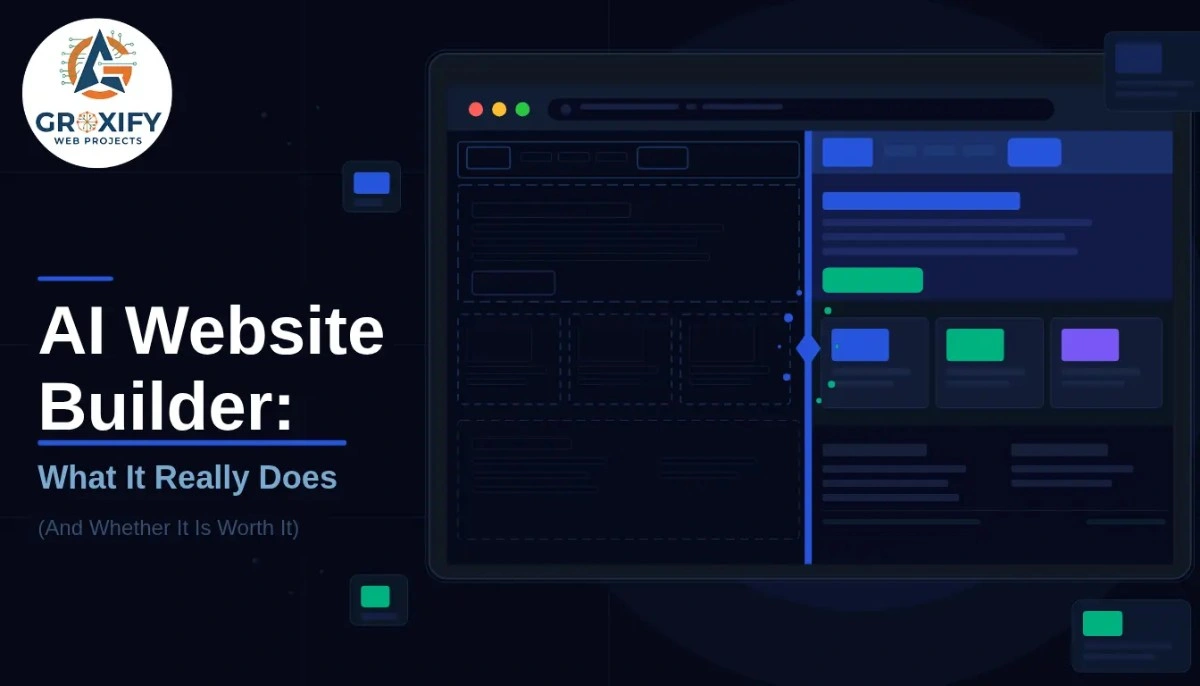
You type in what your business does. The AI asks a few questions. In about two minutes, there is a full website sitting in front of you with a logo, colors, pages, and copy. You did not write a single line of code. And honestly, it looks decent.
That is the basic experience of using an AI website builder right now. And it has a lot of people asking the same question: is this actually good enough? Or is it one of those things that looks impressive until it matters?
This article answers that honestly. What these tools really do, where they work well, where they fall short, and how to pick the right one for what you actually need.
What an AI Website Builder Actually Does
When people hear “AI website builder,” they imagine some magic tool that reads your mind and produces a perfect site. The reality is more specific than that.
These tools use AI (artificial intelligence, meaning software that learns from patterns and generates outputs based on your inputs) to collect basic information about your business and then auto-generate a website structure, layout, copy, and design in one go. You answer a few prompts. It builds. You edit.
The older way was a drag-and-drop builder where you picked a template and filled everything in yourself. AI website builders skip that blank-page problem entirely. You get a starting point that already feels like your business, not a generic placeholder.
What happens under the hood: the AI matches your industry, tone, and goals to design patterns that have worked for similar sites. It writes placeholder text based on your inputs. Some tools also suggest images, pick fonts, and recommend page structures based on what kind of business you have.
The result is not a finished website. It is a very strong first draft you actually want to work with.
Is an AI Website Builder Good Enough for Your Business?
This is the real question. And the answer depends entirely on what you need.
For a freelancer, a local service business, a trainer, a consultant, or someone who just needs a clean online presence with a few pages, an AI website builder is absolutely enough. You will have something live and professional-looking in a couple of hours, without spending money on a web designer or weeks learning a platform.
For a business with complex features, say a custom booking system, a large e-commerce store with thousands of products, or deep database integrations, you will hit limits fast. AI builders are not built for those situations. They are built for speed and simplicity.
Here is a fair way to think about it: if a freelance web designer could build your site in one to three days, an AI builder can probably do it in two hours. If your site would take a designer two to three weeks, you likely need something more custom.
One thing worth knowing: most businesses actually fall into the first category. They need pages, a contact form, maybe a blog, and clear information. AI website builders handle all of that well.
What the Best AI Website Builder Should Actually Have
Not all AI builders are the same. Some are mostly template selectors with a thin AI layer on top. Others genuinely generate unique layouts and copy based on your specific inputs. Here is what actually separates a good one from a mediocre one.
It Should Generate More Than Just a Template
The best AI website builder does not just pick a template and swap your logo in. It creates a layout, writes section copy, and structures your pages based on your business type. If you run a yoga studio and the AI-generated about page actually sounds like it was written for a yoga studio, that is the difference.
It Should Be Easy to Edit After
AI gets you 70 to 80 percent there. The remaining 20 to 30 percent is you. So the editor matters just as much as the AI. If editing a button color requires three menus, that is a problem. Look for tools where post-AI editing feels natural and fast.
Hosting and Domain Should Be Included
Some platforms build your site and then ask you to figure out hosting (where your site files live on the internet) separately. The best ones bundle everything. You get a domain name (your website address), hosting, and the builder in one place.
Mobile Optimization Out of the Box
Mobile optimization means your site automatically looks good and works properly on phones. This is not optional. Well over half of web traffic comes from mobile devices. Any AI builder that skips this is not worth using.
Free AI Website Builder: What You Actually Get
Free plans exist across most platforms. But “free” means different things on different tools, and knowing the gap between free and paid saves a lot of frustration later.
| Feature | Free Plan (Typical) | Paid Plan (Typical) |
|---|---|---|
| Custom Domain | No, platform subdomain | Yes |
| Ads on Site | Often yes | Removed |
| Storage | Limited (around 500MB) | Several GB |
| E-commerce | Usually not available | Available |
| Priority Support | No | Yes |
| AI Regeneration | Limited prompts | More or unlimited |
A platform subdomain means your site address looks like yourbusiness.wix.com instead of yourbusiness.com. For a hobby project, that is fine. For a business you want people to take seriously, it sends the wrong signal.
Free plans are genuinely useful for testing whether a platform feels right before you pay. But if this is for a real business, budget for at least the entry-level paid plan. Most platforms charge anywhere from three to fifteen dollars per month at the base tier. That is not a significant expense for a business website.
One honest thing to say: a free AI website builder can produce a real website. Just not a fully professional one with your own domain and no platform branding.
How AI Website Design Affects Your SEO
SEO (Search Engine Optimization, meaning the process of making your site rank on Google for relevant searches) is where a lot of people have genuine concern about AI-built sites.
The short answer: AI website design does not hurt your SEO by itself. What matters is the content on your site, the speed at which it loads, and how it is structured technically. Most modern AI builders handle the technical structure automatically.
What you still have to do yourself: write real, specific content about your services. The AI-generated copy is a starting point, not the finish line. Google rewards pages that actually help people. Generic copy that sounds like every other business in your category will not rank well.
A few things to check on any platform before you commit:
- Can you edit the page title and meta description (the text that shows up in Google results) for each page?
- Does the site load quickly on mobile?
- Can you add a blog?
If the answer to all three is yes, you have enough to work with from an SEO standpoint. The rest depends on the content you create.
What an AI Website Generator Cannot Do Yet
This is the section most platforms will not write. But it matters.
It Cannot Know Your Business Better Than You Do
The AI generates based on patterns from thousands of websites. It does not know what makes your business different. That is your job. The best results come from people who give very specific inputs. “I run a legal translation service for immigration documents in Mumbai” will give you a much better starting point than “I run a translation business.”
It Cannot Replace Strategy
An AI website generator builds pages. It does not decide what pages you need, what your offer structure should be, or how to position your services against competitors. Those decisions require thinking. The AI helps you execute. It does not replace the thinking.
Custom Functions Require Custom Work
If you need a multi-step quote calculator, a member login area, a booking system that syncs with your calendar, or a complex product filter, most AI builders will not get you there natively. You would need integrations or custom development for those.
AI Copy Needs Editing
The generated text is usually clean and readable. But it is often generic. It will say things like “we provide exceptional services” without ever saying what makes you actually different. Always rewrite the key copy: your headline, your about section, and your service descriptions.
Getting the Most Out of Any AI Website Builder
The input you give matters more than the platform you choose.
Before you start the AI prompts, have this ready: what your business does in one sentence, who your customer is, what problem you solve for them, and what action you want people to take on your site. The clearer your answers, the better your generated site will be.
After the AI generates your site, do not just publish it as-is. Go through each section and ask: does this sound like me? Does it say something real about my business? If not, rewrite it. The AI gave you structure. The authenticity is yours to add.
At Groxify Web Projects, the pattern we see consistently is this: people who get real results from AI-built websites treat the output as a first draft and spend two to three hours improving it. The people who just hit publish and wonder why it is not working skipped that step.
Also, test it on your phone before you launch. Ask someone who does not know your business to look at the homepage and tell you what they think you do. If they get it right, you are ready.
Choosing Between the Best AI Website Builder Options
The market for these tools has gotten genuinely competitive. A few names come up consistently for good reason.
Wix ADI has been around the longest and has a massive library of apps and integrations. Good for people who want flexibility after the AI builds the base. It does get complex as you add more to it.
Squarespace’s AI tools sit on top of templates that are some of the cleanest-looking in the industry. Better for design-conscious users, slightly less flexible for custom layouts.
Hostinger Horizons takes a more conversational AI approach, where you describe your site in natural language and it builds from there. A strong option for people who want to feel like they are directing rather than choosing from a menu.
There is no single best option across the board. The best AI website builder for you depends on what kind of business you have, how much you want to customize after the AI builds, and what your budget looks like. Most platforms offer a free trial. Use it before you commit to anything.
The One Thing to Remember Before You Start
The single most important thing to understand about an AI website builder is this: it removes the starting block, not the work. You still need to add real content, connect your domain, think about what your site should say, and keep it updated over time. But the part that used to take weeks or required hiring someone? That part is handled. Start with a platform that fits your needs, give the AI specific inputs, and then make it yours.
FAQ
An AI website builder is a tool that uses artificial intelligence to automatically generate a website based on your inputs. You answer a few questions about your business and the AI creates a layout, design, and initial copy in minutes. You then edit and publish it without writing code.
Yes, most platforms offer a free plan. But free usually means a platform subdomain instead of your own domain name, and platform branding visible on your site. For a serious business, a paid plan starting around three to fifteen dollars a month is worth considering.
Yes, they can. Google does not penalize sites for being AI-built. What matters is your content quality, site speed, and technical structure. Most modern AI builders handle the technical side. You still need to write specific, useful content to rank for relevant searches.
The AI generation takes two to five minutes. Getting it ready to publish, including editing copy, adding images, and connecting a domain, typically takes two to four hours depending on how much content your site needs.
For most small businesses, yes. If you need a professional-looking site with a few pages, a contact form, and basic SEO, AI builders handle that well. Businesses needing complex custom features like large e-commerce stores or advanced booking systems may need a more custom solution.
A regular builder gives you a blank template and you fill everything in yourself. An AI website builder generates a starting point, including layout and copy, based on your business description. It removes the blank-page problem and gets you to a working draft much faster.
It depends on your needs. Wix ADI is best for flexibility and integrations. Squarespace suits design-conscious users. Hostinger Horizons works well for a more conversational building experience. Try the free tier of two platforms before deciding. The best one is the one that feels natural to edit after the AI builds it.
No. These tools are built specifically for people with no technical background. If you can type and click, you can use an AI website generator. No coding, no hosting setup, no design software required.
Review every section and rewrite anything that sounds generic. Add your own photos or specific images. Connect your domain name. Check how the site looks on mobile. Then set up basic SEO settings like page titles and meta descriptions for each page before publishing.
Generally yes. Reputable platforms handle security, SSL certificates (the padlock in browsers that shows a site is secure), and software updates automatically. You do not need to manage security manually the way you would on a self-hosted platform like WordPress.

Rohit Singh is the Founder of GROXIFY WEB PROJECTS LLP with many years of hands-on experience in digital marketing, including SEO, PPC, social media, email marketing, content writing, and WordPress development. He has worked with global clients across industries and helped businesses achieve 5x–10x revenue growth through data-driven strategies and practical execution. Rohit actively manages digital teams, builds business strategies, plans marketing systems, and oversees execution to drive consistent traffic, leads, and long-term business growth.