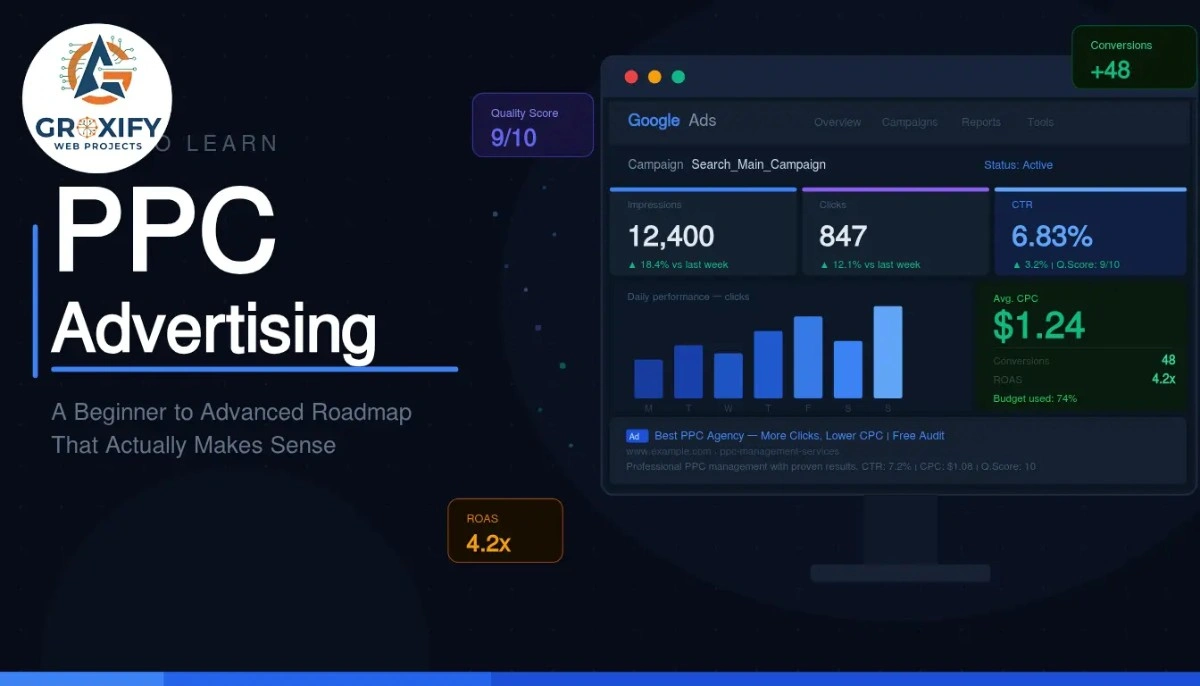
How to Learn PPC Advertising: A Beginner to Advanced Roadmap That Actually Makes Sense
Most people who want to run ads start by opening Google Ads, staring at the dashboard, and immediately feeling like they walked into the wrong room. Everything looks technical. Everything seems expensive. And one wrong move feels like it could drain your budget before you even blink. That feeling is completely normal. It goes away faster than you think, once you follow the right sequence. This article walks you through exactly how to learn PPC advertising, from the very basics to the stuff that actually moves the needle. Whether you are a business owner, a freelancer, or someone picking up a new skill, you will leave here with a clear path and zero confusion. What PPC Advertising Actually Is PPC stands for pay-per-click. It is a type of online advertising where you pay only when someone clicks on your ad, not just when they see it. Simple idea. Powerful when done right. Google Ads is the most common platform. You create an ad, choose which search terms should trigger it, and pay a small amount each time someone clicks through. But PPC also runs on Meta (Facebook and Instagram), Microsoft Ads (which reaches Bing users), LinkedIn, Amazon, and more. The reason businesses use it: it puts you in front of people who are actively searching for what you sell. That is different from social media posts or billboards, where you are just hoping the right person notices you at the right time. How to Learn PPC Advertising: The Right Starting Point Before anything else, pick one platform. Do not try to learn Google Ads, Meta Ads, and LinkedIn Ads simultaneously. That is how you end up knowing a little about everything and nothing about anything that actually matters. Start with Google Search Ads Google Ads is the best starting point for most learners. Here is why: the intent is clear. Someone searching “buy running shoes size 10” wants running shoes. You show up, they click, they buy. The logic is direct, which makes it much easier to understand what is working and why. Meta Ads work differently. They are based on interest and behavior targeting rather than search intent. Great to learn eventually, but harder to debug when you are new. Start with Google Search campaigns. Get comfortable there first. Learn the Core Vocabulary Before You Touch the Interface A lot of beginners open the platform and start clicking around. Bad idea. Spend two to three days just learning what the key terms mean, because without them the interface just looks like noise. Here are the five you absolutely need to know first: Two more worth knowing: an impression is every time your ad is displayed to someone (whether they click or not), and CPC (cost per click) is simply how much you pay each time someone clicks your ad. Once you know these cold, the interface starts making sense almost on its own. The Beginner Phase: What to Actually Focus On This is where most learners get stuck. They read endlessly but never run a real campaign. Or they run one with no structure and wonder why it is burning money with nothing to show. The good news: once you learn PPC ads at the foundational level, intermediate skills start clicking into place quickly. But the beginner phase has three real priorities. Keyword Research for PPC Keyword research in PPC is different from SEO. In SEO (search engine optimization, where you write content to rank on Google for free over time), you focus on long-term traffic volume. In PPC, every click costs money. So you need keywords that signal buying intent, not just curiosity. Start with what your customer would type when they are ready to act. Words like “buy,” “hire,” “near me,” “cost of,” and “best” usually mean the person wants something, not just information. Use Google’s Keyword Planner (free inside Google Ads) to see search volume, which is how many people search a term per month, and the estimated cost per click for that term. This tells you quickly whether a keyword is worth targeting at your budget. Also learn about match types, which control how closely someone’s search has to match your keyword before your ad shows: Beginners often start with broad match and wonder why they are paying for irrelevant clicks. Start with phrase or exact match while you are learning. You can open up later once you have data. Writing Ad Copy That Actually Gets Clicked Ad copy is the text of your ad, what people read before they decide to click or scroll past. Google Search ads have three main parts: the headline (shown in blue, up to 30 characters), the description (shown below, up to 90 characters), and the display URL (the web address shown, which you can customize to look clean). The mistake most beginners make is writing about themselves. “We offer premium quality services since 2010.” Nobody cares. Write about the customer’s problem and what they get. “Get Your Kitchen Fixed Today. Same-Day Plumbers Available.” That is an ad that earns the click. Clarity beats cleverness every single time in PPC. Understanding Quality Score Quality Score is Google’s rating of how relevant your ad, keyword, and landing page are to each other. It goes from 1 to 10, and it directly affects two things: how often your ad shows up and how much you pay per click. A landing page is the webpage someone lands on after clicking your ad. It has to match what the ad promises. If your ad says “Same-Day Plumbers” but the landing page is a general home services page, your Quality Score drops and your costs go up. Higher Quality Score means lower cost and better placement. This is why learning PPC properly from the start actually saves you money over time. How to Learn PPC Advertising Without Wasting Real Money This is the part most guides skip. It is also the part beginners care about most because the fear of losing money is
How to Learn PPC Advertising: A Beginner to Advanced Roadmap That Actually Makes Sense Read More »