Digital Agency

Growth Focus
  • Helping Businesses Grow Worldwide — SEO Services That Drive Visibility,     High-Performance Website Development,     PPC Marketing for Better Reach,     Digital Marketing Built for Growth,     Social Media That Builds Your Brand,     Smart Solutions. Real Business Growth.

2026

email marketing automation

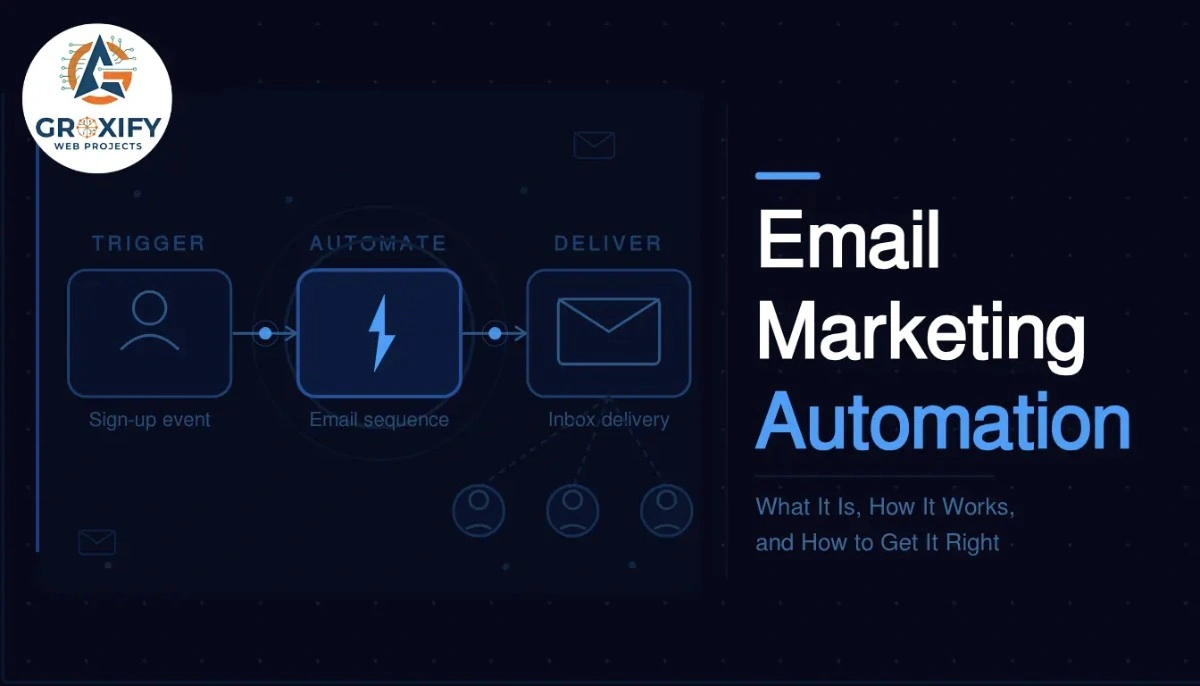
Email Marketing Automation: What It Is, How It Works, and How to Get It Right

You sign up for a free trial somewhere. Within two minutes, you get a welcome email. The next day, a tips email. Three days later, a case study that answers exactly what you were wondering. None of that was a person sitting at a desk hitting send. That is email marketing automation doing its job. This article covers what it actually is, how the whole system works behind the scenes, which tools run it, what AI is now changing, and what to set up first if you are starting from zero. No fluff. Just the full picture. What Is Email Marketing Automation Email marketing automation is a system that sends emails to your subscribers automatically, based on actions they take or time intervals you set. Instead of manually sending every email, you build the sequence once and the system handles delivery on its own. The key idea is triggers. A trigger is the action or condition that starts an email sending. Someone signs up for your newsletter, that is a trigger. They abandon a shopping cart, that is a trigger. They have not opened an email in 60 days, that is a trigger too. Once triggered, the system follows a workflow. A workflow is a pre-built path of emails and conditions. It decides which email goes out next, how long to wait, and sometimes which version to send based on what the subscriber did. The Three Moving Parts Every automation runs on three things: a trigger, a condition, and an action. The trigger is what starts it. The condition is the rule that shapes what happens, for example, “only send this if they clicked the last email.” The action is what actually goes out, usually an email, but it can also be a tag added to their profile or a notification sent to your team. Once you understand this, the whole thing stops feeling complicated. You are just setting rules. If this happens, do that. That is it. Why Businesses That Use This Do Not Go Back The obvious benefit is time saved. You set up a welcome series once, and every new subscriber gets it automatically. You never have to remember to send it. But the bigger reason people stick with automation is consistency. Manual sending is uneven. You send when you remember, when you have time, when the mood is right. Automation does not care about any of that. It sends at the exact right moment, every time. And here is something competitors rarely say out loud: automation catches revenue you would otherwise just miss. A person adds something to their cart and leaves. Without automation, that sale is gone. With a well-timed abandoned cart email, an email sent automatically when someone leaves without buying, a solid percentage of those people come back and complete the purchase. Businesses using automation consistently report better open rates and better conversions compared to one-off campaigns. Not because the writing is better. Because the timing is right. The Emails That Actually Get Automated You could technically automate anything, but most businesses start with a few high-value sequences. The welcome series is the most common. Someone subscribes and they get two to four emails over a week that introduce your brand, set expectations, and deliver something valuable. This is your first impression, and it runs automatically for every single new subscriber. Abandoned cart emails go out when someone adds items to a cart but does not complete the purchase. Sent within an hour of abandonment, they recover sales that would otherwise disappear. The first hour is when return rates are highest. Re-engagement sequences target subscribers who have gone cold, meaning they have not opened emails in a set number of weeks. A short series of two to three emails tries to bring them back. If they still do not respond, most setups remove them from the active list to keep delivery health strong. Post-purchase flows go out after someone buys. Think: order confirmation, then a tips email on using the product, then a review request. All automated, all timed to feel helpful rather than pushy. Birthday and anniversary emails are smaller but genuinely effective. If you collected a subscriber’s birthday, sending a personalized email with an offer on that day feels real. Subscribers respond because it does not feel like a mass broadcast. How Email Marketing Automation Actually Works Step by Step Most articles go vague here. Here is the actual process from scratch. The tool handles scheduling, delivery, and tracking automatically. Your job is to monitor and improve over time. Picking the Right Email Marketing Software The tool you pick matters more than most people think, because switching later is painful. Your workflows, contacts, and data all live inside it, and migrating everything takes real effort. Here is an honest comparison of the most common options: Tool Best For Starting Price Automation Depth Mailchimp Beginners, small lists Free up to 500 contacts Basic to intermediate ActiveCampaign Advanced automation, CRM built in Paid from around $15/month Deep and flexible ConvertKit Creators, bloggers, solopreneurs Free up to 1,000 subscribers Good visual workflows Klaviyo Ecommerce stores Free up to 250 contacts Strong for Shopify users Brevo Budget-conscious businesses Free up to 300 emails/day Solid for the price The honest take: Mailchimp is fine to start, but businesses that grow into serious automation usually outgrow it. ActiveCampaign costs more but handles complex logic much better. If you run an ecommerce store, Klaviyo connects deeply with platforms like Shopify and already understands your customers’ buying behavior without extra configuration. Pick based on where you are going, not just where you are now. That single decision saves a painful migration later. What Email Marketing AI Tools Are Actually Doing Now This is the section most articles either skip or get wrong. AI in email marketing is not just writing subject lines for you. It is changing how the whole system thinks. Traditional automation follows rules you set. If they clicked, send this. If they did not, wait.

Email Marketing Automation: What It Is, How It Works, and How to Get It Right Read More »
email marketing strategy

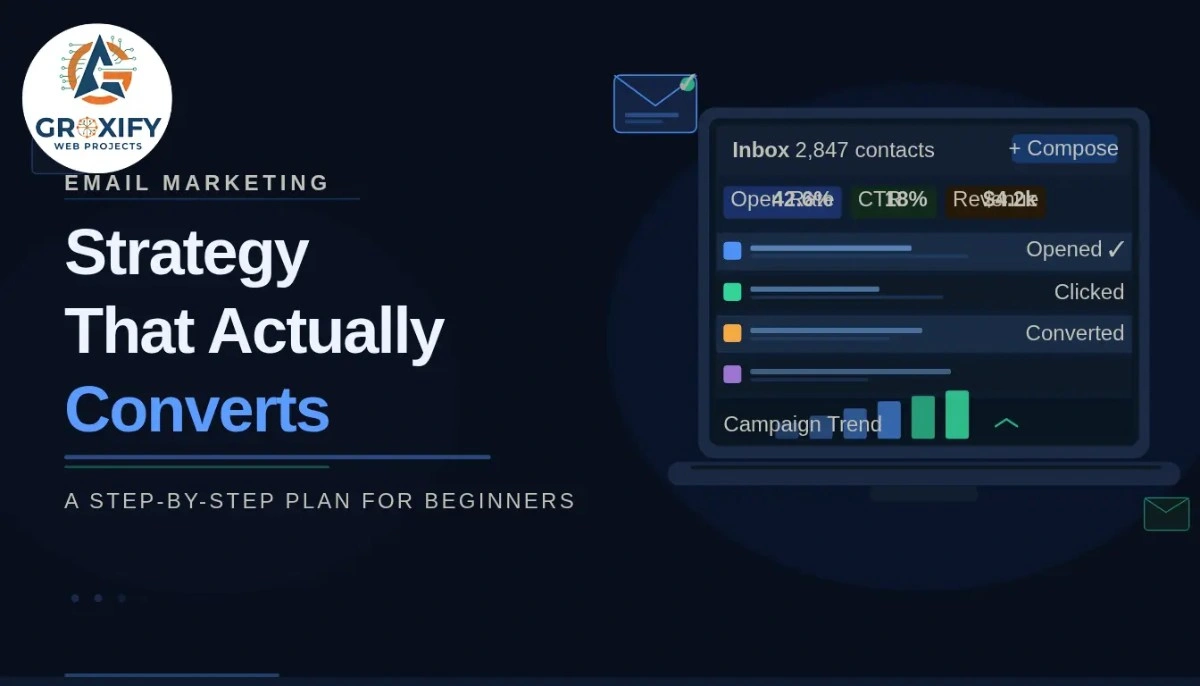
Email Marketing Strategy That Actually Converts: A Step-by-Step Plan for Beginners

Most people send emails. Very few have a strategy. That gap is exactly why some businesses get 40% open rates while others wonder why nobody clicks. Email is not dying — it is just that most people are doing it without a plan. A strong email marketing strategy is not about sending more emails. It is about sending the right ones, to the right people, at the right moment. In this guide, you will learn how to build that plan from the ground up — list building, campaign types, email formats, templates, cold email, and what to actually track. What Is an Email Marketing Strategy (And Why Most People Get It Wrong) People think email marketing means sending a newsletter once a month and hoping someone buys. That is not a strategy. That is just hitting send. An email marketing strategy is a plan that defines who you are emailing, what you are sending them, when you send it, and what action you want them to take. Every email has a job. Every sequence has a goal. Nothing goes out just to “stay in touch.” Here is why this matters in practice. Without a strategy, you end up with a list that goes cold, unsubscribes piling up, and zero ROI — that is, return on investment, meaning what you actually get back for the time and money you put in. With a strategy, your list becomes one of the most reliable assets in your business. The mistake most beginners make is starting with the tool instead of the plan. They sign up for an email platform, mess around with templates, and send something out. Then nothing happens. Then they quit. Start with the strategy. The tool comes after. Why Email Still Outperforms Most Marketing Channels Quick answer — because you own the list. Social media platforms change their algorithm overnight. Ads get expensive. SEO takes months. But your email list? That is yours. Nobody can take it away. That is why email consistently delivers one of the highest returns of any marketing channel. Email also lets you speak directly to someone. Not through a feed with 50 other things competing for attention. Just your message, in their inbox, at a time they chose to check it. That kind of attention is genuinely rare. And here is something trainers and freelancers especially miss — email builds trust over time. Every useful email you send is a small deposit into a relationship. When you eventually ask someone to buy, that relationship is what converts them. Not the copy alone. The relationship. How to Build an Email List That Actually Grows No list, no email marketing. Simple. But here is where most beginners go wrong — they wait until they have a product ready to start building. Do not do that. Start collecting emails as early as possible. What actually gets people to subscribe: A lead magnet works best. A lead magnet is a free resource you give in exchange for someone’s email — a checklist, a short guide, a template, a mini-course. It has to solve one specific problem your audience has. Not something generic. Something they would genuinely search for. Your opt-in form — the box where someone types their email — needs to be in the right places. At minimum: your homepage, at the end of blog posts, and as a pop-up that appears after someone has scrolled enough to prove they are actually reading. Steps to grow your list from zero: Quality over quantity — always. A list of 500 people who want to hear from you will outperform a list of 5,000 who forgot they subscribed. Email Marketing Campaign Types You Should Know An email marketing campaign is a series of emails sent around one specific goal — welcoming new subscribers, promoting a product, nurturing a relationship, or re-engaging people who went quiet. Different campaigns do different jobs. Welcome sequence — The most important campaign most people skip. When someone joins your list, they are at peak interest. Send a short series of 3 to 5 emails that introduces who you are, what you stand for, and what they can expect from you. This sets the tone for everything that follows. Nurture sequence — Regular emails that educate or share value without always selling. Think of these as the emails that make people want to stay subscribed. Weekly works for most businesses. Biweekly is fine too. Promotional campaign — A focused series built around one offer. A product launch, a discount, a new service. These typically run 5 to 7 days with one clear call to action — meaning, one thing you want the reader to do. Re-engagement campaign — Sent to subscribers who have not opened your emails in 60 to 90 days. Short, direct, sometimes a little bold. The goal is to find out if they still want to hear from you. Those who do not respond get removed. This keeps your list clean and your metrics honest. Transactional emails — Automated emails triggered by an action the reader took, like an order confirmation or a booking receipt. These get the highest open rates of any email type because the reader is expecting them. Knowing which campaign to run and when — that is what separates a strategy from random sending. Email Format Breakdown: What Goes Inside Every Email Most people overthink this. An email has a few parts and each one does a specific job. Subject line — The only part of your email that determines whether anyone reads the rest. Keep it under 50 characters. Make it specific, curious, or benefit-driven. “3 things I stopped doing” works better than “Our monthly newsletter.” Preview text — The short line that appears after the subject line in the inbox. Most people ignore it. Do not. It is free extra space to pull the reader in. Use it to expand on the subject line or add a second reason to open. Opening line — The first

Email Marketing Strategy That Actually Converts: A Step-by-Step Plan for Beginners Read More »

why do we use email

Why Do We Use Email Marketing (And Why It Still Outperforms Most Channels)

Everyone says “build your email list.” But nobody really stops to explain why email specifically, or what it actually does for your business that posting on Instagram does not. That question, why do we use email at all when there are a dozen other channels available, is worth taking seriously. And the honest answer is more practical than most marketing articles make it sound. This article covers the real reasons businesses use email marketing, the different types of email campaigns, where it genuinely outperforms other channels, and where it has limits. By the end you will know whether email makes sense for where you are right now. Why Do We Use Email Instead of Just Posting on Social Media This is a question most marketing articles skip entirely. They assume you already know email is valuable and jump straight to tactics. But if you are starting out or reconsidering your approach, the “why” actually matters. Social media platforms control who sees your content. You can have 10,000 followers on Instagram and your post might reach 400 of them. That is not your audience, that is their audience, and they can change the rules whenever they want. Email is different. When someone gives you their email address, they are giving you direct access to their inbox. No algorithm deciding whether your message gets shown today. You Own the List. That Is the Point. Your Instagram account can be suspended. Your Facebook page can lose reach overnight. Your TikTok might get restricted. But your email list sits in a file you control. You can export it, move platforms, and keep communicating with those people no matter what. That is why marketers call an email list an “owned asset” – something you built that nobody can take from you. Compare that to a social following, which is essentially borrowed space on someone else’s platform. People Check Email With a Different Mindset Scrolling social media is passive. People are browsing, not necessarily looking for anything specific. Email is different. When someone opens their inbox, they are ready to engage with something they chose to sign up for. That shift in intent matters. There is a real difference between someone stumbling across your content and someone who already said yes, I want to hear from you. The Real Advantages of Email Marketing It Is Affordable, Especially Early On Most email marketing platforms are free up to a few hundred subscribers. Even at larger list sizes, the cost per email sent is a fraction of what paid ads cost. Here is how to think about ROI – return on investment, meaning what you earn compared to what you spend. Email marketing consistently delivers one of the highest ROI figures of any marketing channel because you are reaching people who already showed some interest in you. You Can Personalize What You Send Email lets you send different messages to different groups based on what people did or did not do. This is called segmentation – dividing your list by behavior, location, interest, or purchase history, so each person gets something relevant to them. Someone who just signed up gets a welcome email. Someone who bought a product gets tips on using it. Someone who has not opened anything in three months gets a “still interested?” check-in. None of this is possible with a social post that goes to everyone at once. Email Converts Better Than Most Channels Conversion means getting someone to take a specific action, like buying a product, booking a call, or downloading something. Email drives higher conversion rates than social media for most businesses because the people on your list are already warm. They already know who you are. A cold social media ad asks a stranger to buy. An email to your list reminds someone who already liked your work to take the next step. Those are very different conversations. You Get Actual Data Every email platform shows you open rate (the percentage of people who opened your email), click rate (the percentage who clicked something inside it), and unsubscribe rate (the percentage who opted out). You can see exactly what is working and what is not. Social media gives you likes and reach. Email gives you behavior data. That difference matters when you are trying to improve. Types of Email Marketing (And What Each One Does) Not every email does the same job. Here is how they break down: Welcome emails are sent automatically when someone joins your list. The goal is to introduce yourself and set expectations for what they will receive. Newsletter emails are sent regularly, weekly or monthly, to share updates, insights, or useful content. These build the relationship over time without asking for anything. Promotional emails announce a sale, launch, or specific offer. They are designed to drive one clear action, usually a purchase. Drip sequences are a series of pre-written emails sent automatically over days or weeks. Useful for onboarding new users or nurturing potential buyers who are not ready yet. “Nurturing” simply means building trust gradually before making any ask. Re-engagement emails go to subscribers who have gone quiet. The goal is to win them back or cleanly remove people who are no longer interested. Transactional emails are triggered by a specific action, like an order confirmation, shipping update, or password reset. These have the highest open rates because people actively expect them. Most businesses use a combination of all of these, not just one type. Each one serves a different stage of the relationship. Where Email Marketing Has Real Limits Most articles skip this part entirely. They make email sound perfect. It is not. Building a list takes time. You will not send your first email to 5,000 people. Getting someone to hand over their email address requires actual trust, and trust takes effort to earn. Deliverability can be an issue. Deliverability means whether your email actually lands in the inbox or gets sent to spam. If your emails go to spam, nobody reads

Why Do We Use Email Marketing (And Why It Still Outperforms Most Channels) Read More »

what is email marketing

What Is Email Marketing? A Plain-English Guide That Actually Makes Sense

You send an email. Someone reads it. They click. They buy. That is the basic loop behind email marketing, and it has been working since the internet was young. But if you have been hearing the term and still feel a bit fuzzy on what email marketing actually means, you are not alone. Most guides either get too technical too fast or stay so surface-level that you finish reading and still feel lost. This guide covers what it is, how it works, what types exist, which platforms people actually use, where it fits into a real business, and whether it makes sense for you. By the end, you will not need to read another article on this topic. What Is Email Marketing? Email marketing is the practice of sending targeted emails to a list of people who have given you permission to contact them, with the goal of building a relationship, promoting something, or driving a specific action. That word “permission” matters more than most beginners realize. Unlike spam, which is unsolicited email nobody asked for, email marketing only works when someone has opted in. Opted in means they signed up through a form, checked a box, or deliberately subscribed to hear from you. Here is a simple way to picture it. You run a small bakery. A customer visits and says, “Text me when you have new flavors.” Now imagine that but through email, and scaled to hundreds of customers. That is email marketing at its most basic. Now add software that manages all those contacts, schedules your emails, automates follow-ups, and tracks who opened what. That is what actual businesses are doing right now. How Does Email Marketing Work? The flow is simpler than it sounds: Three things power the whole system: a list of subscribers, a platform to manage and send emails, and the actual emails. That is it. The technology is not the hard part. Knowing what to send and when is where most people get stuck. Types of Email Marketing Campaigns Not every marketing email looks the same or does the same job. Here are the main types you will come across: Newsletter emails go out on a regular schedule, typically weekly or monthly. They keep your audience updated, share useful content, and build familiarity over time. Think of them like a magazine the reader personally chose to receive. Promotional emails are built around a specific offer. A product launch, a limited discount, a flash sale. These are direct and action-focused. They work best when they are not every email you send. Welcome emails are sent automatically the moment someone subscribes. This first email sets the tone for everything that follows. Businesses that send a warm, useful welcome email see much higher engagement long-term. Transactional emails are triggered by something the user did. Order confirmation, password reset, shipping update. These are not purely “marketing” but they are part of the email experience and should never be treated as afterthoughts. Drip campaigns (also called automated sequences) are a series of emails sent over time based on behavior. Someone downloads your free guide. Over the next week, they get a series of emails building on that topic. Each one earns the next. Re-engagement emails target subscribers who have gone quiet, meaning people who have not opened anything from you in a while. You send something specifically designed to pull them back, or you clean them off the list if they do not respond. Most businesses run a mix of all of these at once. Each type serves a different role in the relationship. Why Email Marketing Still Works Social media posts disappear in a feed in seconds. Ads get scrolled past. But an email sits in someone’s inbox until they deal with it. That is a fundamentally different kind of attention. The inbox is personal. People open it with intention. When an email arrives from a sender they trust, they actually read it. That is not guaranteed with any other channel. There is also a list ownership angle that does not get talked about enough. Your social media followers are borrowed. The platform can change its algorithm tomorrow and your reach collapses overnight. Your email list belongs to you. No algorithm controls who sees it. In terms of ROI (return on investment, meaning how much revenue you generate for every rupee or dollar you spend), email marketing consistently outperforms most other channels. The actual numbers vary by industry and audience, but the pattern holds across categories: email converts better than cold social ads and at a lower cost per result. Here is the honest part. It only works if your emails are actually good. A bad email gets ignored. A pushy email gets unsubscribed. The channel works. The message still has to earn its place in that inbox. What Is Email Marketing Used For? Real Examples The best way to understand what email marketing looks like in practice is to see it across different types of businesses: An e-commerce brand sends order confirmations, shipping updates, product recommendations based on past purchases, and promotional campaigns during sale seasons. Email handles a huge chunk of their repeat revenue. A freelance designer builds a small list of past clients and warm leads. Every few weeks they send a short email sharing recent work, a quick design tip, or a note about current availability. When a project need comes up, that freelancer is already in the client’s inbox. An online course creator uses a drip campaign. New subscribers get a welcome email, then a series of emails over the next week teaching something genuinely useful, followed by an invitation to join the paid course. A SaaS company (SaaS stands for Software as a Service, meaning software sold on a subscription model like Canva or Notion) uses email to onboard new users, reduce churn (churn means the rate at which customers cancel), and keep users informed about new features. A local restaurant sends monthly emails with seasonal menu updates, special events,

What Is Email Marketing? A Plain-English Guide That Actually Makes Sense Read More »

how to learn ppc advertising

How to Learn PPC Advertising: A Beginner to Advanced Roadmap That Actually Makes Sense

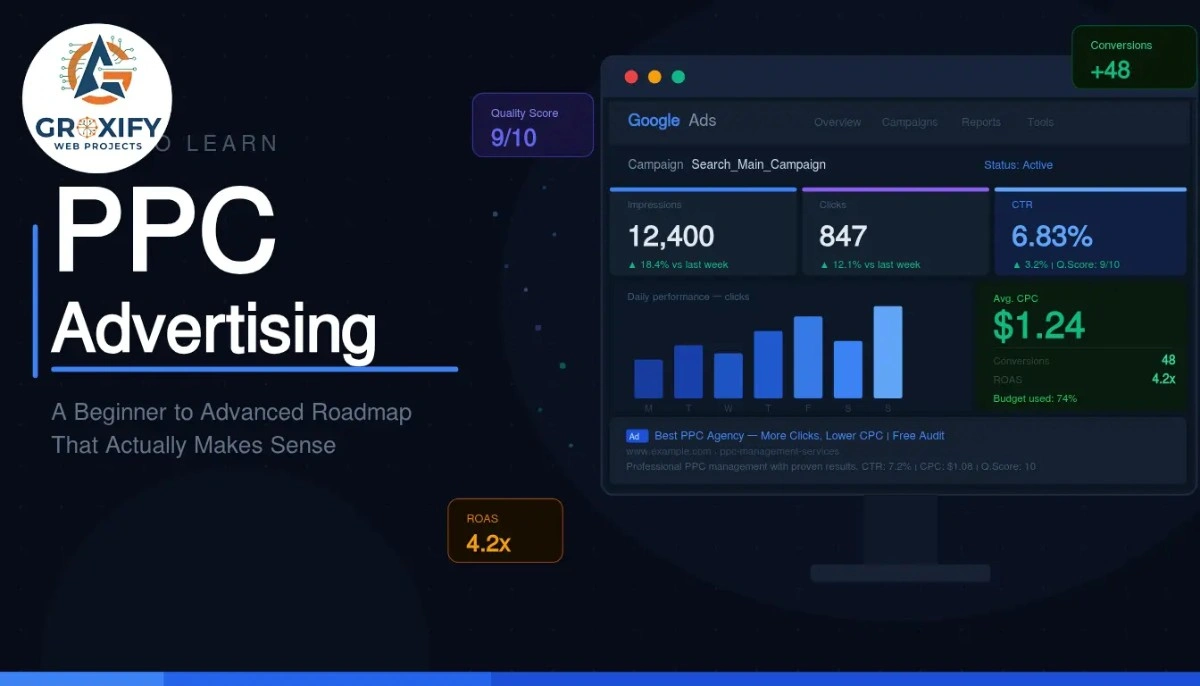
Most people who want to run ads start by opening Google Ads, staring at the dashboard, and immediately feeling like they walked into the wrong room. Everything looks technical. Everything seems expensive. And one wrong move feels like it could drain your budget before you even blink. That feeling is completely normal. It goes away faster than you think, once you follow the right sequence. This article walks you through exactly how to learn PPC advertising, from the very basics to the stuff that actually moves the needle. Whether you are a business owner, a freelancer, or someone picking up a new skill, you will leave here with a clear path and zero confusion. What PPC Advertising Actually Is PPC stands for pay-per-click. It is a type of online advertising where you pay only when someone clicks on your ad, not just when they see it. Simple idea. Powerful when done right. Google Ads is the most common platform. You create an ad, choose which search terms should trigger it, and pay a small amount each time someone clicks through. But PPC also runs on Meta (Facebook and Instagram), Microsoft Ads (which reaches Bing users), LinkedIn, Amazon, and more. The reason businesses use it: it puts you in front of people who are actively searching for what you sell. That is different from social media posts or billboards, where you are just hoping the right person notices you at the right time. How to Learn PPC Advertising: The Right Starting Point Before anything else, pick one platform. Do not try to learn Google Ads, Meta Ads, and LinkedIn Ads simultaneously. That is how you end up knowing a little about everything and nothing about anything that actually matters. Start with Google Search Ads Google Ads is the best starting point for most learners. Here is why: the intent is clear. Someone searching “buy running shoes size 10” wants running shoes. You show up, they click, they buy. The logic is direct, which makes it much easier to understand what is working and why. Meta Ads work differently. They are based on interest and behavior targeting rather than search intent. Great to learn eventually, but harder to debug when you are new. Start with Google Search campaigns. Get comfortable there first. Learn the Core Vocabulary Before You Touch the Interface A lot of beginners open the platform and start clicking around. Bad idea. Spend two to three days just learning what the key terms mean, because without them the interface just looks like noise. Here are the five you absolutely need to know first: Two more worth knowing: an impression is every time your ad is displayed to someone (whether they click or not), and CPC (cost per click) is simply how much you pay each time someone clicks your ad. Once you know these cold, the interface starts making sense almost on its own. The Beginner Phase: What to Actually Focus On This is where most learners get stuck. They read endlessly but never run a real campaign. Or they run one with no structure and wonder why it is burning money with nothing to show. The good news: once you learn PPC ads at the foundational level, intermediate skills start clicking into place quickly. But the beginner phase has three real priorities. Keyword Research for PPC Keyword research in PPC is different from SEO. In SEO (search engine optimization, where you write content to rank on Google for free over time), you focus on long-term traffic volume. In PPC, every click costs money. So you need keywords that signal buying intent, not just curiosity. Start with what your customer would type when they are ready to act. Words like “buy,” “hire,” “near me,” “cost of,” and “best” usually mean the person wants something, not just information. Use Google’s Keyword Planner (free inside Google Ads) to see search volume, which is how many people search a term per month, and the estimated cost per click for that term. This tells you quickly whether a keyword is worth targeting at your budget. Also learn about match types, which control how closely someone’s search has to match your keyword before your ad shows: Beginners often start with broad match and wonder why they are paying for irrelevant clicks. Start with phrase or exact match while you are learning. You can open up later once you have data. Writing Ad Copy That Actually Gets Clicked Ad copy is the text of your ad, what people read before they decide to click or scroll past. Google Search ads have three main parts: the headline (shown in blue, up to 30 characters), the description (shown below, up to 90 characters), and the display URL (the web address shown, which you can customize to look clean). The mistake most beginners make is writing about themselves. “We offer premium quality services since 2010.” Nobody cares. Write about the customer’s problem and what they get. “Get Your Kitchen Fixed Today. Same-Day Plumbers Available.” That is an ad that earns the click. Clarity beats cleverness every single time in PPC. Understanding Quality Score Quality Score is Google’s rating of how relevant your ad, keyword, and landing page are to each other. It goes from 1 to 10, and it directly affects two things: how often your ad shows up and how much you pay per click. A landing page is the webpage someone lands on after clicking your ad. It has to match what the ad promises. If your ad says “Same-Day Plumbers” but the landing page is a general home services page, your Quality Score drops and your costs go up. Higher Quality Score means lower cost and better placement. This is why learning PPC properly from the start actually saves you money over time. How to Learn PPC Advertising Without Wasting Real Money This is the part most guides skip. It is also the part beginners care about most because the fear of losing money is

How to Learn PPC Advertising: A Beginner to Advanced Roadmap That Actually Makes Sense Read More »

Scroll to Top