You open your browser, type something, and a page loads. You scroll, click around, maybe buy something. So what is a website, exactly? It is that entire thing you just used.
Table of Contents
Most people understand the experience but not the mechanics. And the moment you decide to build a website, buy one, or explain what you need to someone else, the words trip you up fast. Domain, hosting, URL, traffic. Each term feels like it should be obvious but somehow never is.
This guide clears all of that up. Plain language, no jargon dumps, no skipped explanations. By the end you will know exactly what a website is, what each piece does, and what to actually think about before you build one.
What Is a Website?
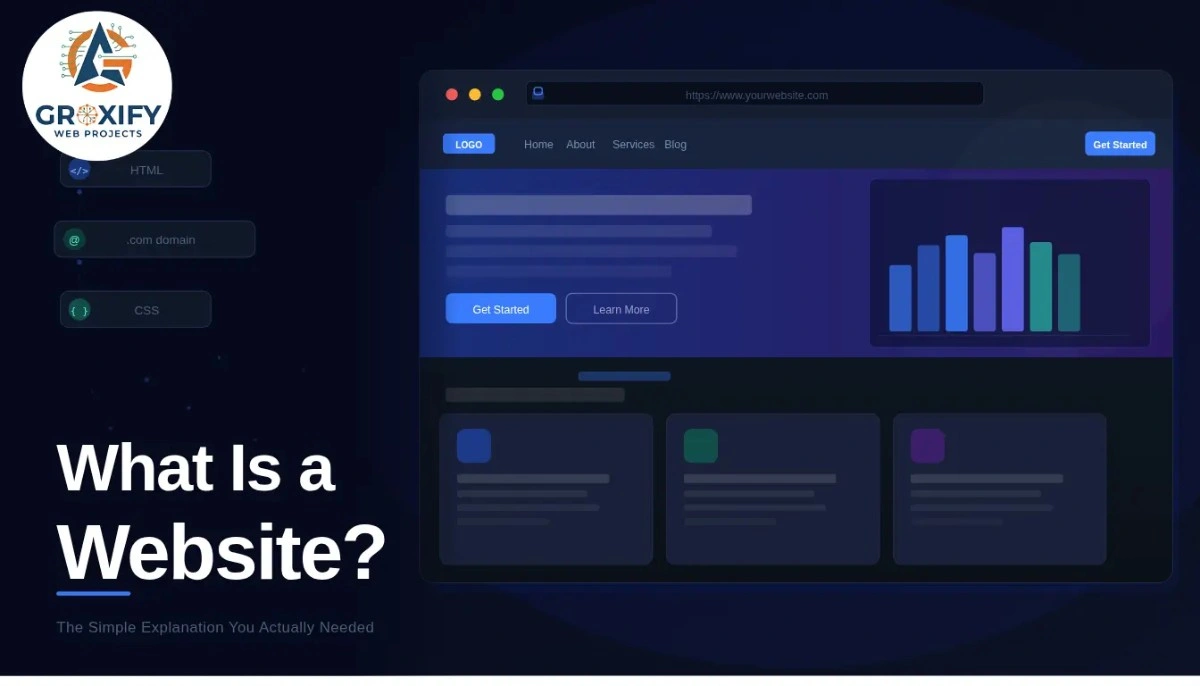
A website is a collection of related web pages that live at one internet address and belong to one person, business, or organisation.
Think of it like a building. The building has different rooms but one front door. The front door is the web address. Each room is a different page. The whole building together is the website.
When you visit Nike.com, that is a website. The homepage is one page. The shoes section is another. The cart is another. All of them, connected, under one address, make up that website.
The words “web pages” just mean files, mostly HTML files, that a browser reads and displays as the screen you see. HTML stands for HyperText Markup Language. It is the basic language that tells a browser how to structure and show content.
One website can have five pages or five thousand. What makes something a website is that those pages are connected, live under one domain, and are accessible through the internet.
How a Website Actually Gets to Your Screen
This is the part most articles skip entirely. Here is what actually happens in the few seconds between you pressing enter and a website appearing.
What Is a Website Domain?
A domain is the human-readable address of a website. Things like google.com, amazon.com, or your own business name followed by .com. That is the domain.
Behind every domain is a numerical address called an IP address, something like 172.217.14.206. The internet actually runs on these numbers. But since no human wants to memorise number strings, domains were created as readable replacements. When you type a domain name, a system called DNS translates it into the matching IP address. DNS stands for Domain Name System. It is basically the internet’s phone book.
You buy domains from domain registrars, which are services that let you register a name, usually for one to two years at a time. Once you own a domain, nobody else can register that exact name.
What Is Website Hosting?
After you have a domain, your website files still need somewhere to actually live. That is what website hosting is. A hosting company stores your website files on their servers (powerful computers running and connected to the internet around the clock) and makes those files available to anyone who visits your domain.
Think of it this way. The domain is your building address. Hosting is the physical space where your stuff lives. If the hosting goes down, your website goes down. That is why hosting quality matters, especially for businesses where downtime means lost customers.
What Is a Website URL?
A URL (Uniform Resource Locator) is the full address of one specific page on a website.
For example: https://www.example.com/contact-us
Breaking it down simply:
- https is the protocol, the rules that govern how data travels between your browser and the server. The “s” means the connection is secure and encrypted.
- www.example.com is the domain name.
- /contact-us is the path to a specific page inside that website.
Every page on a website has its own URL. The homepage is usually just the domain. Inner pages have longer paths. When someone shares a link, they are sharing a URL.
So a domain is the overall address of a website. A URL is the precise location of one page inside it.
Types of Websites and Real Examples
Not all websites serve the same purpose. This is where most beginner guides go flat, because the type of website you build changes everything about how you plan, budget, and measure success.
Business or Corporate Website This is an informational site for a company. It tells visitors who you are, what you offer, and how to reach you. Law firms, agencies, consultancies, and local service businesses mostly run this type. These sites do not usually sell directly. They exist to build trust and generate enquiries.
E-commerce Website Built specifically for selling products online. Amazon, Flipkart, or any brand with an online store falls here. These sites have product pages, shopping carts, checkout flows, and payment systems built in.
Blog or Content Website The entire site runs on articles, guides, or videos. Revenue comes from ads, affiliate partnerships, or selling digital products. Most media outlets and personal finance sites follow this model.
Portfolio Website Used by freelancers, designers, photographers, and developers to display their work and attract clients. Simple, visual, and personal. One wrong choice here and it looks like every other portfolio online.
Landing Page A single page with one goal, usually getting someone to sign up, register, or purchase. Not a multi-page site. Just one focused experience. Businesses often use these for product launches or advertising campaigns.
Web Application This looks like a website but works like software. Gmail, Canva, and Notion are web apps. You log in, create things, and save data. The line between website and web app is blurry, but the main difference is that a web app responds to the user and stores personal data in real time.
Community or Forum Website Built around users talking to each other. Reddit is the clearest example. The users create most of the content, not the site owner.
Knowing which type fits your goal before you start building saves money and prevents the most common mistake: building a site that is half blog, half portfolio, and fully serves neither purpose.
| Type | Main Purpose | Selling Online? | Example |
|---|---|---|---|
| Business Website | Build trust, generate leads | No | Agency, law firm |
| E-commerce | Sell products | Yes | Online store |
| Blog / Content | Build audience, earn via content | Indirectly | Media site |
| Portfolio | Show work, attract clients | No | Freelancer site |
| Landing Page | One conversion goal | Sometimes | Product launch page |
| Web App | Deliver a service via browser | Yes or freemium | Canva, Notion |
What Is Website Development?
Website development is the process of building a website, from the first idea through design, coding, and final launch.
It breaks into two main parts.
Front-end development is everything the visitor sees and touches. The layout, colours, fonts, buttons, images, animations. Front-end developers write in HTML, CSS, and JavaScript to build that visual layer. CSS controls how things look. JavaScript makes things interactive.
Back-end development is everything happening behind the screen. Databases, user accounts, payment processing, form submissions. When you fill out a contact form and get a confirmation email, that is back-end logic doing its job.
Full-stack development means one person handles both. Many smaller projects use platforms like WordPress, Shopify, or Webflow, which handle most of the technical side without needing custom code from scratch.
In practical terms, what is website development? It is deciding what your site needs to do, then building the system that makes it do that. The more unique or complex the functionality, the more development work it takes.
At Groxify Web Projects, the first question is always: what does this site actually need to do for your business? That one question shapes everything else.
What Is Website Traffic?
Website traffic is the number of people visiting your site, measured in sessions and page views. A session is one complete visit. If someone comes, browses for ten minutes, and leaves, that is one session. If they return the next day, that is a second session.
Traffic comes from different places, and knowing which source is bringing visitors changes how you should respond.
- Organic traffic: people finding your site through search engines like Google, usually because your page ranked for a relevant keyword
- Direct traffic: people who already know your URL and type it in directly
- Referral traffic: people clicking a link from another website that points to yours
- Social traffic: visitors coming from platforms like Instagram, LinkedIn, or YouTube
- Paid traffic: visitors who clicked on an ad you are running
More traffic does not automatically mean more business. A site with 300 targeted visitors who genuinely need what you offer will often outperform one getting 5,000 random visitors who leave in seconds. Traffic quality matters as much as quantity.
Google Analytics is the standard tool for tracking this data. Every website that is meant to grow should have it set up from the beginning.
What Most People Get Wrong About Websites
Here is the honest part that competitors usually skip.
Speed kills trust faster than bad design does. If your site takes more than a few seconds to load, most visitors leave before they see anything. Hosting quality, unoptimised images, and bloated code all slow things down.
Mobile is not optional. More than half of all web traffic currently comes from phones. A site that looks broken on mobile is effectively broken for most of your audience.
Vague purpose hurts more than you think. Every good website has one primary action it wants visitors to take. Call us. Buy this. Sign up here. Sites that try to do everything usually communicate nothing clearly.
A beautiful site that loads slow, breaks on mobile, and tells visitors nothing useful is not really a working website. It is an expensive placeholder. The goal is a site that does something, not just a site that exists.
Do You Actually Need a Website?
Honest answer: if you are trying to grow professionally or run a business, yes.
Social media profiles are controlled by platforms. Those platforms can limit your reach, change their rules, or in rare cases remove accounts. A website belongs to you. You control the experience, the content, and who sees it.
Search is still how most people find products and services they need. If someone is actively looking for what you offer and you are not showing up anywhere in search, you are invisible to that buyer. A website, over time, gives you a presence that social profiles alone cannot fully provide.
That said, a rushed or confusing website can damage trust faster than having none. Better to take the time to build something clear and functional than to publish something that makes people question whether you are a real operation.
Conclusion
A website is not just a digital presence. It is a system with working parts: a domain that gives it an address, hosting that stores the files, pages that carry your message, and traffic that shows whether people are finding it. Understanding what is a website at this level changes how you build one, hire for one, or invest in one. Start with your goal. Figure out which type of site serves that goal. Then build backward from there. Everything else follows.
FAQ
A website is a group of connected web pages that live under one internet address. Each page is a file your browser reads and shows as text, images, or video. Websites can belong to a person, business, or organisation and can have just a few pages or thousands.
A web page is a single page. A website is the entire collection of related pages under one address. Think of a website as a book and a web page as one chapter inside it. You visit a website. You read a web page.
Not necessarily. Platforms like WordPress, Wix, and Squarespace let you build a site without writing code. For custom features, specific integrations, or a design that cannot be templated, a developer becomes useful. A basic functional site is achievable without any technical background.
A domain is your web address, like yourname.com. Hosting is the storage space where your website files actually live. You need both. The domain tells visitors where to go. The hosting is what loads when they get there. Buying one without the other means your site cannot go live.
It depends on what you need. A basic site on a DIY platform can cost a few hundred rupees per month. A custom-built business or e-commerce site can range from tens of thousands to several lakhs depending on complexity, design requirements, and who builds it.
The domain is your main address, like example.com. A URL is the full address of one specific page, such as https://www.example.com/about. Every page has its own URL. The domain is one part of every URL across your site.
Website traffic is the number of people visiting your site. You build it through SEO (ranking in search results), social media, paid ads, and referrals from other sites. Most sites that grow consistently use a combination of these over time rather than relying on just one channel.
Both serve different purposes. Social media builds reach and community. A website is permanent, searchable, and under your control. Social platforms can limit visibility or change rules without warning. Your website stays yours and keeps working regardless of what happens to any single platform.
A simple informational site can go live in a few days to two weeks. A custom e-commerce or feature-heavy site can take one to three months. Planning and writing the content usually takes longer than most people expect, so starting earlier than feels necessary is almost always the right call.
Website development is the process of designing, building, and launching a website. For straightforward sites, platforms handle the technical side. You need a developer when you require custom functionality, specific integrations with other software, or a design that cannot be achieved with existing templates.

Rohit Singh is the Founder of GROXIFY WEB PROJECTS LLP with many years of hands-on experience in digital marketing, including SEO, PPC, social media, email marketing, content writing, and WordPress development. He has worked with global clients across industries and helped businesses achieve 5x–10x revenue growth through data-driven strategies and practical execution. Rohit actively manages digital teams, builds business strategies, plans marketing systems, and oversees execution to drive consistent traffic, leads, and long-term business growth.